Module 3 Formstorming
Weekly Activity Template
Oliver YiFan Chen
Project 3
Module 3
This project taught me that iteration is not only about improving appearance, but about understanding how people naturally want to interact. During testing, I realized that my original ideas did not always match user intuition. Some touch actions that I designed very deliberately were not the ones people instinctively wanted to do. For example, the moon worked better as a soft stroke instead of a tap, and the duck and fish became more engaging when they were pressed and slid rather than simply touched. Through this process, I learned that interaction design becomes stronger when it responds to real bodily behavior instead of staying fixed to an initial plan. These revisions made the work feel more intuitive, immersive, and emotionally coherent.
The biggest challenge in this project was balancing structure, material, and interaction at the same time. One major problem was my first attempt to use a transparent acrylic box as the main frame. In practice, it was far too large, and the empty space made the composition feel disconnected and visually hollow. Another major difficulty was the lotus itself. I spent a long time trying to build a more oversized and complex flower, but it failed and became visually bulky rather than elegant. These challenges were frustrating, but they forced me to rethink the structure more carefully. In the end, changing to layered acrylic plates and reducing the lotus to a more balanced number of folds made the final result much stronger.
If I had more time, I would like to expand this work into a fuller spatial environment. I still imagine the lotus pond as part of a larger scene, with elements such as a traditional pavilion, a small boat, or a courtyard atmosphere around it. I would also like to continue refining the relationship between physical touch and digital response so that the transitions between sound, animation, and touch feel even more seamless. This project already became a connected system of folded paper, Makey Makey, sound, and p5.js, but with more time I would push that integration further and make the whole experience feel even more alive and spatial.
This project also helped me understand the meaning of interaction design more clearly. For me, interaction design is not only about function or efficiency. It is about shaping relationships between the body, materials, technology, and feeling. In this work, touch is not just used to activate a sound. It becomes the starting point for atmosphere, motion, and emotional response across the pond. That is why this project feels meaningful to me. It showed me that interaction design can connect a handmade object and a digital environment into one system, and that it can create sensitivity, storytelling, and presence through physical engagement. In that sense, interaction design becomes a bridge between human experience and technology, making digital media feel more intimate, embodied, and emotionally resonant.
Activity 1

1A · Breathing Color
A soft pastel breathing study that keeps the orb still and lets color become the main emotional change.

2A · Breathing Color Variation
This variation keeps the same core logic but shifts the mood toward a clearer blue glow and a cleaner resting state.
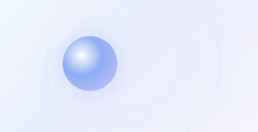
3A · Pulse Ring
This version adds layered circular echoes so the breathing logic feels more spatial and pulse driven.
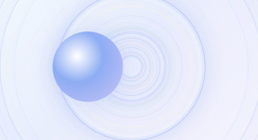
4A · Pulse Ring Variation
The stronger ring field makes the center feel more active and turns the scene into a fuller pulse atmosphere.

5A · Stress Colors Red State
This interaction uses a sharp red glow to create a more pressured emotional state than the calm breathing experiments.

6A · Stress Colors Yellow State
The yellow version shifts the same anxious system toward a hotter and more alert visual tension.

7A · Fragment Pulse
This experiment breaks the pulse into sharper fragments so the interaction feels scattered instead of smooth.

8A · Distorted 3D Spin One
This version uses rotation and skew to make the object feel unstable, compressed, and slightly mechanical.

9A · Distorted 3D Spin Two
This narrower version pushes the same spinning logic toward a more extreme and sliced visual result.
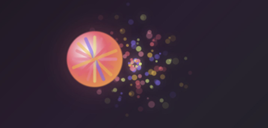
10A · Anxiety Field
The composition expands outward into a nervous field so the interaction feels like pressure spreading through the space.
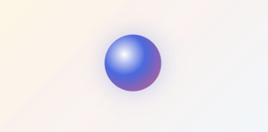
11A · Trail Drawing One
This first trail drawing keeps the scene minimal and playful, with the main focus on soft motion traces.
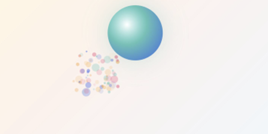
12A · Trail Drawing Two
This variation adds a second playful accent so the trail feels more like a sketch made through motion.

13A · Toy World Camera Move
This experiment treats the scene like a small toy space where the camera shift changes how the objects relate to each other.
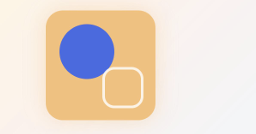
14A · Mini Game Scene One
This version starts to feel like a tiny playable board with simple objects and a more graphic game-like layout.
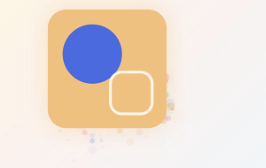
15A · Mini Game Scene Two
The second mini game version makes the same space feel more alive by layering motion traces around the main pieces.
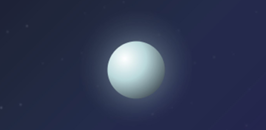
16A · Floating Object Movement One
This first floating study uses drift and glow to create the feeling of a quiet object suspended in space.

17A · Floating Object Movement Two
This variation shifts the weight of the composition so the drifting action feels more directional and spatial.
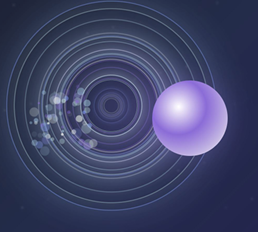
18A · Orbit Trails
This interaction builds a fuller spatial system where trails and rings make the scene feel orbital rather than static.

19A · Space Rotation
This sketch uses rotation rather than drift, turning the scene into a more geometric and cosmic object study.

20A · Camera Fly Through
This version treats the scene as a small environment and lets camera movement become the main interaction idea.
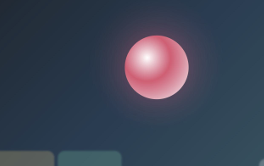
21A · Simple Note Colors
This sound based study keeps the form simple and lets a single glowing note color define the interaction.
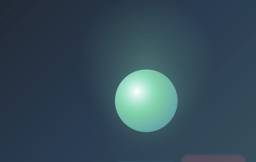
22A · Moving Sound Shape
This version adds movement to the sound form so the note feels like it travels through a live performance space.
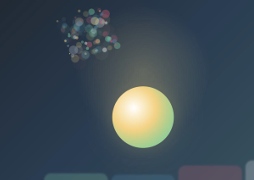
23A · Sound Trails
This interaction visualizes the sound as lingering marks so the note leaves a visible trail in the stage atmosphere.
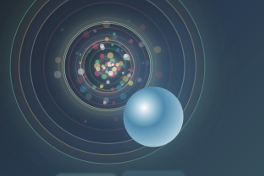
24A · Full Audio Visual Bloom
This sketch becomes much richer by combining note color, rings, particles, and bloom into one performance image.
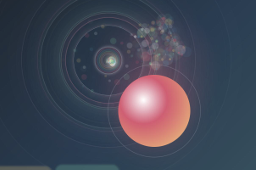
25A · Final Interactive Instrument
This final study combines the strongest sound and visual ideas into one fuller instrument like performance scene.
Activity 2
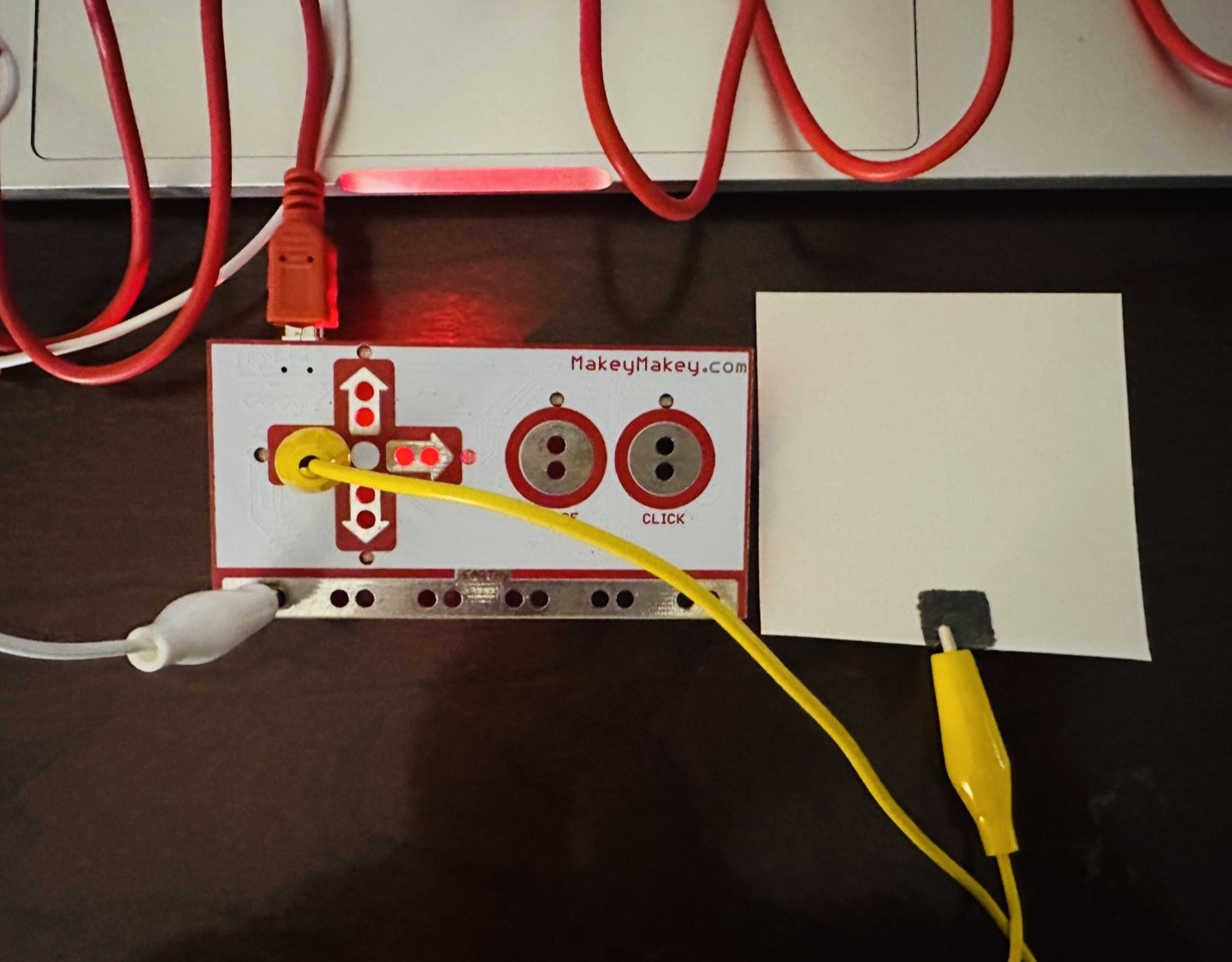
Graphite pencil square on paper. Tap interaction.
Tap test with the graphite pencil square.
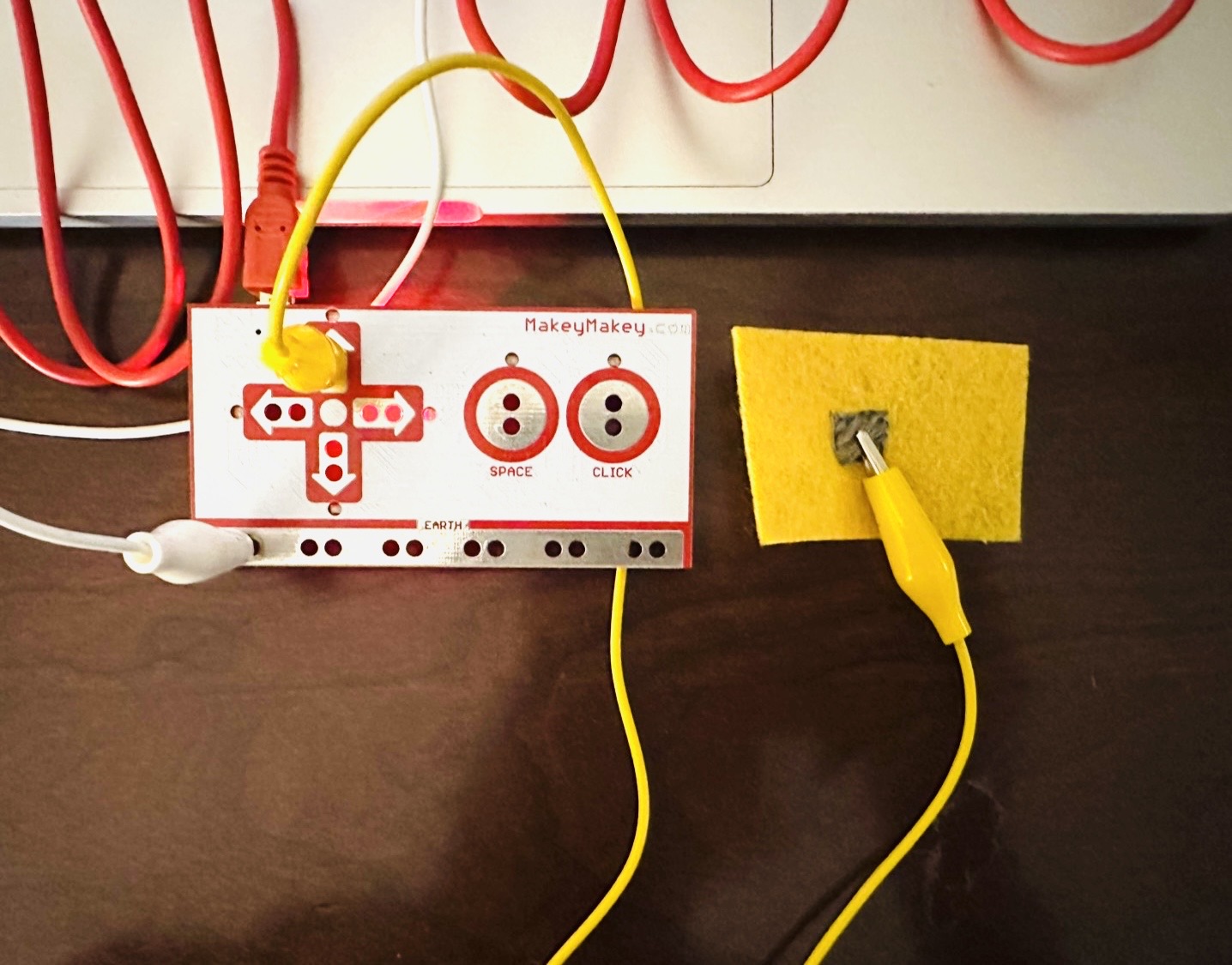
Conductive thread stitched into a square on felt. Tap interaction.
Tap test with the conductive thread square.
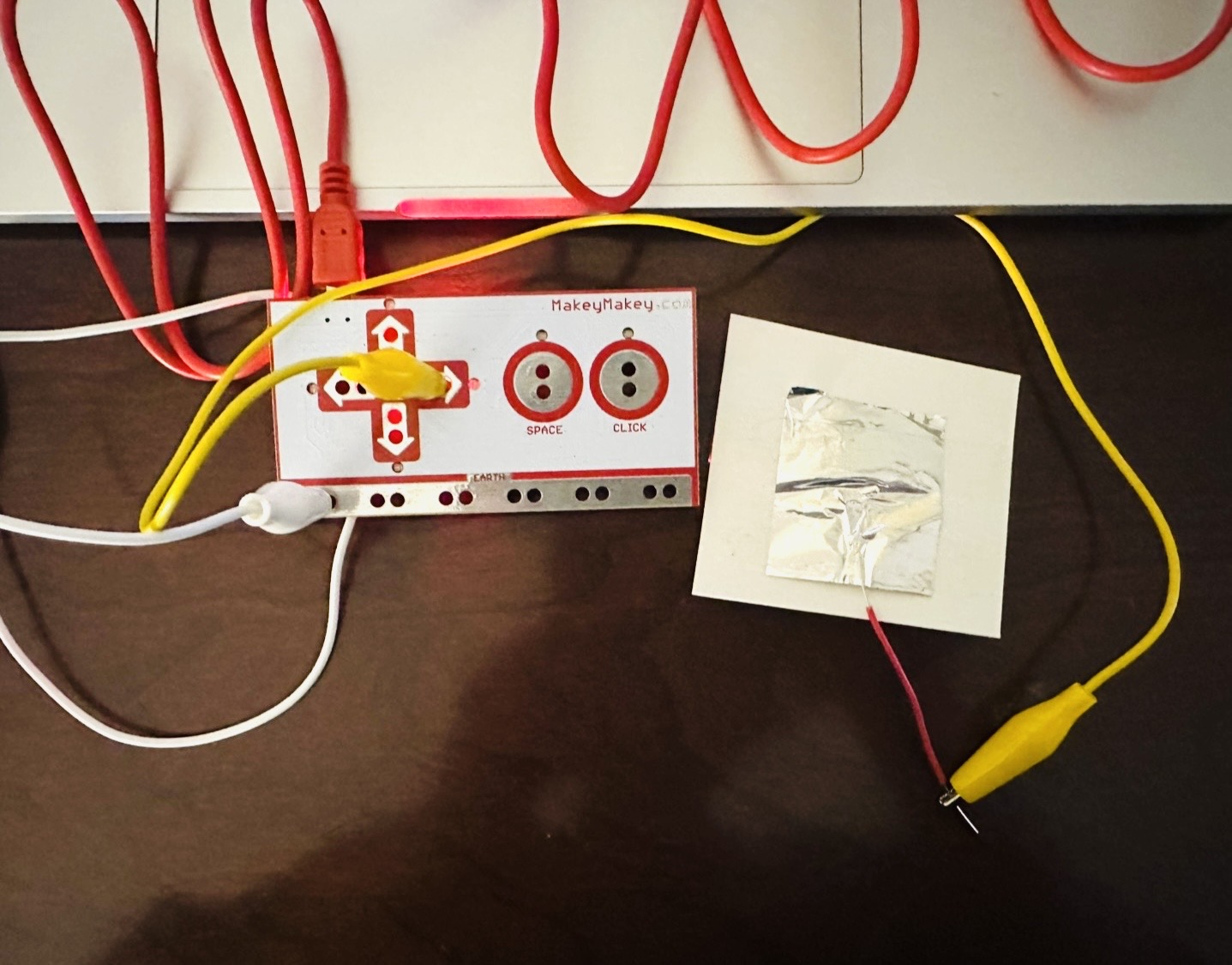
Aluminum foil cut into a square and attached to paper. Tap interaction.
Tap test with the aluminum foil square.
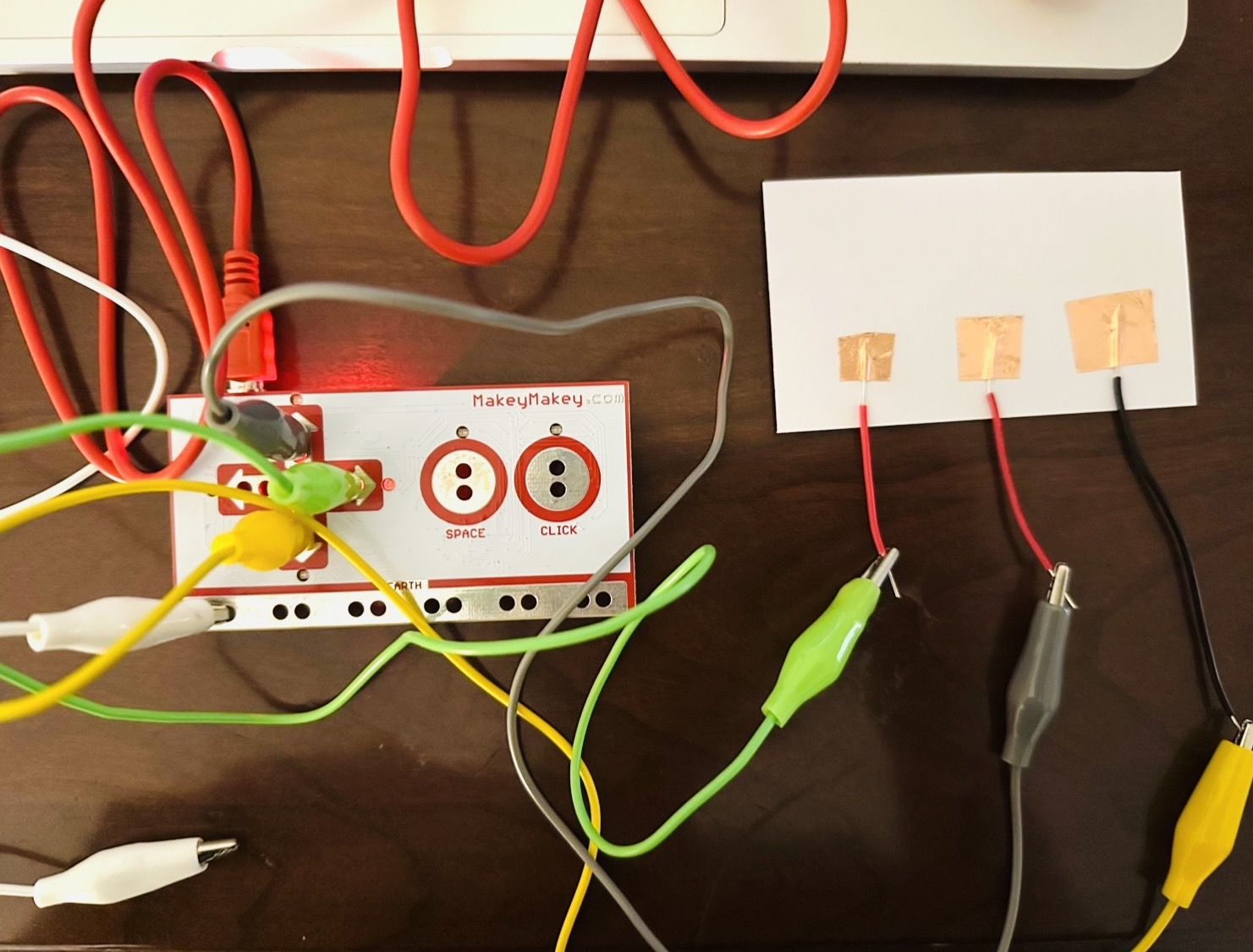
Copper tape cut into large, medium, and small squares on paper. Surface area comparison.
Tap test with the large copper tape square.
Tap test with the medium copper tape square.
Tap test with the small copper tape square.
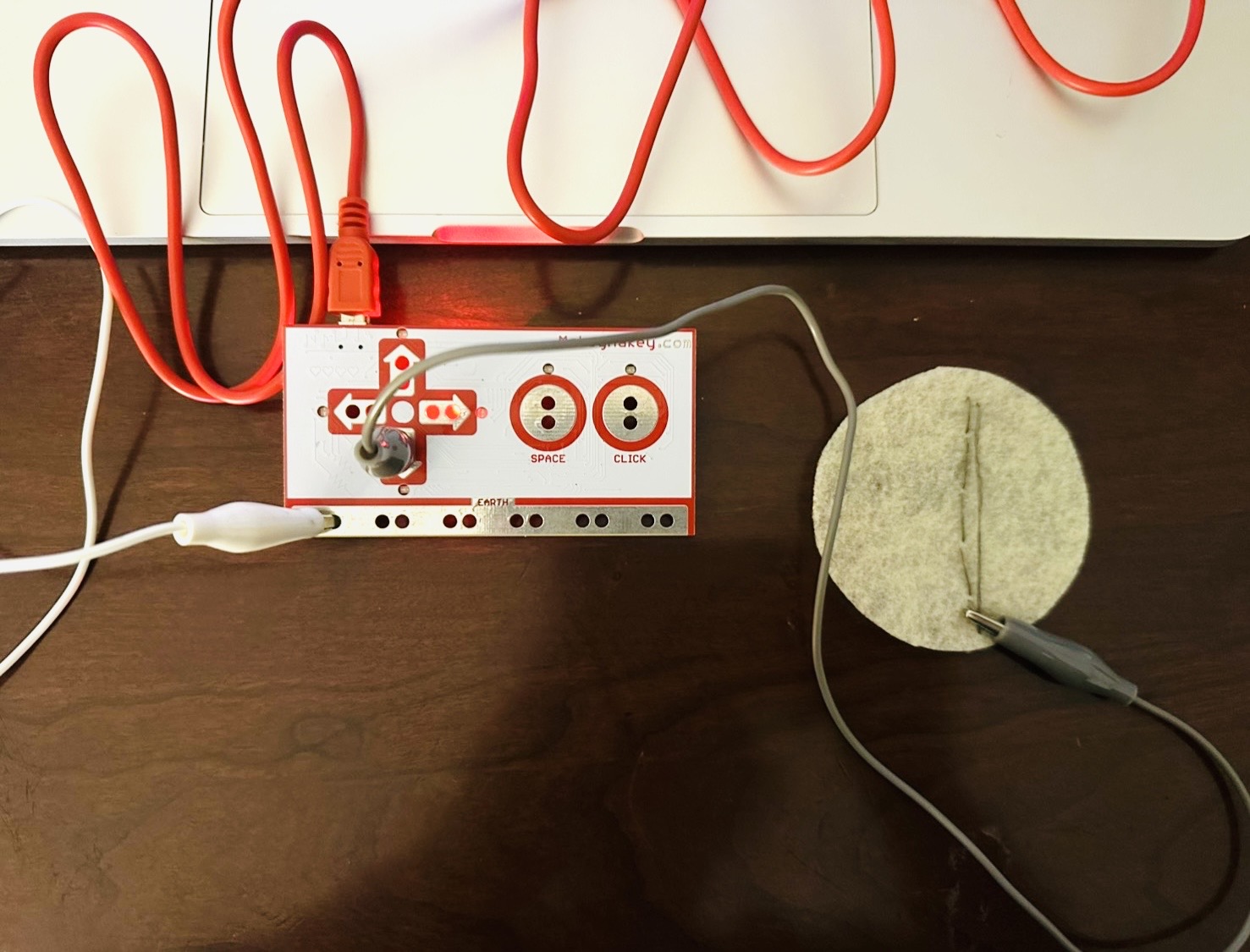
Conductive thread stitched into a long line on felt. Sliding interaction.
Sliding test with the conductive thread line.
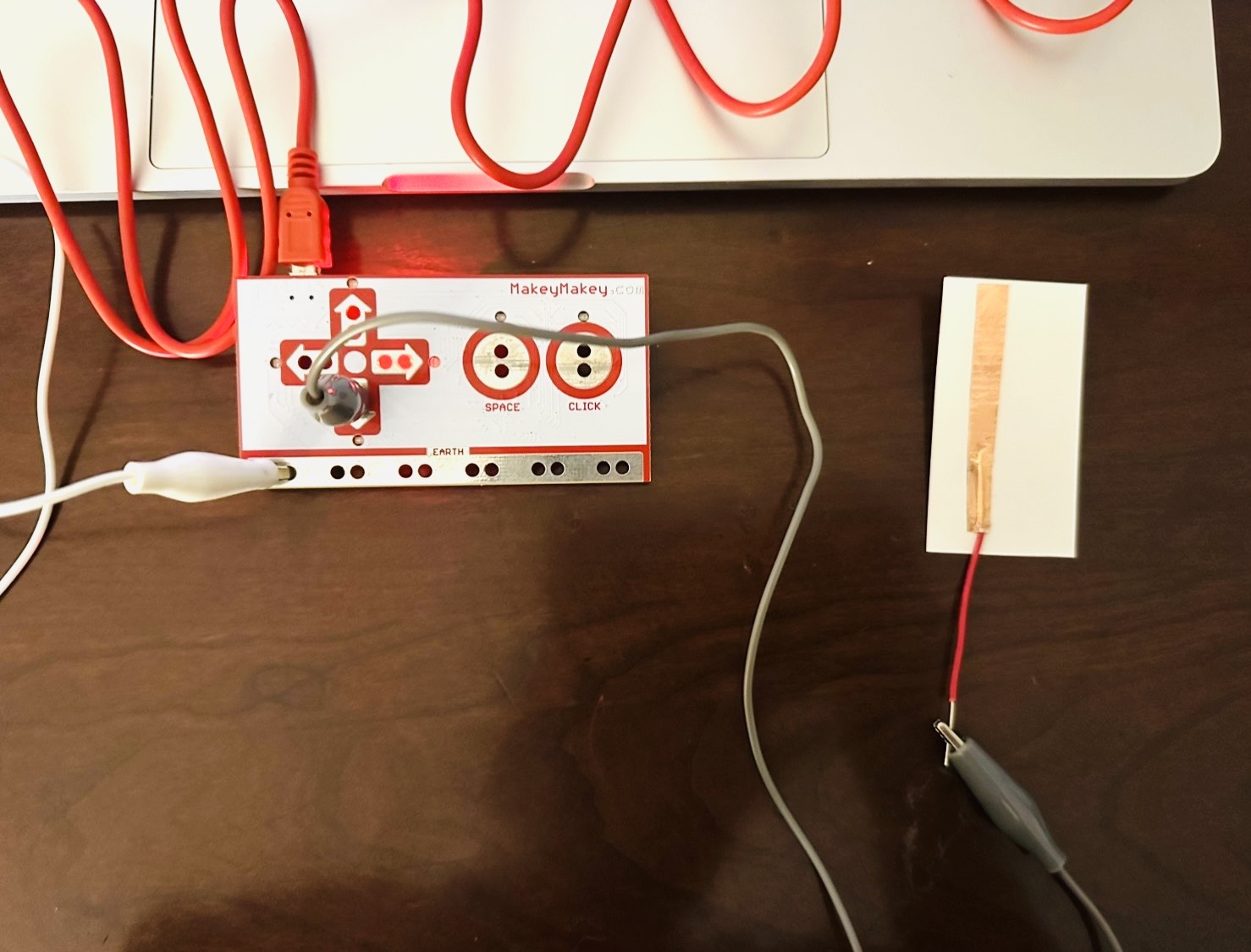
Copper tape cut into a long strip. Sliding interaction.
Sliding test with the copper tape strip.
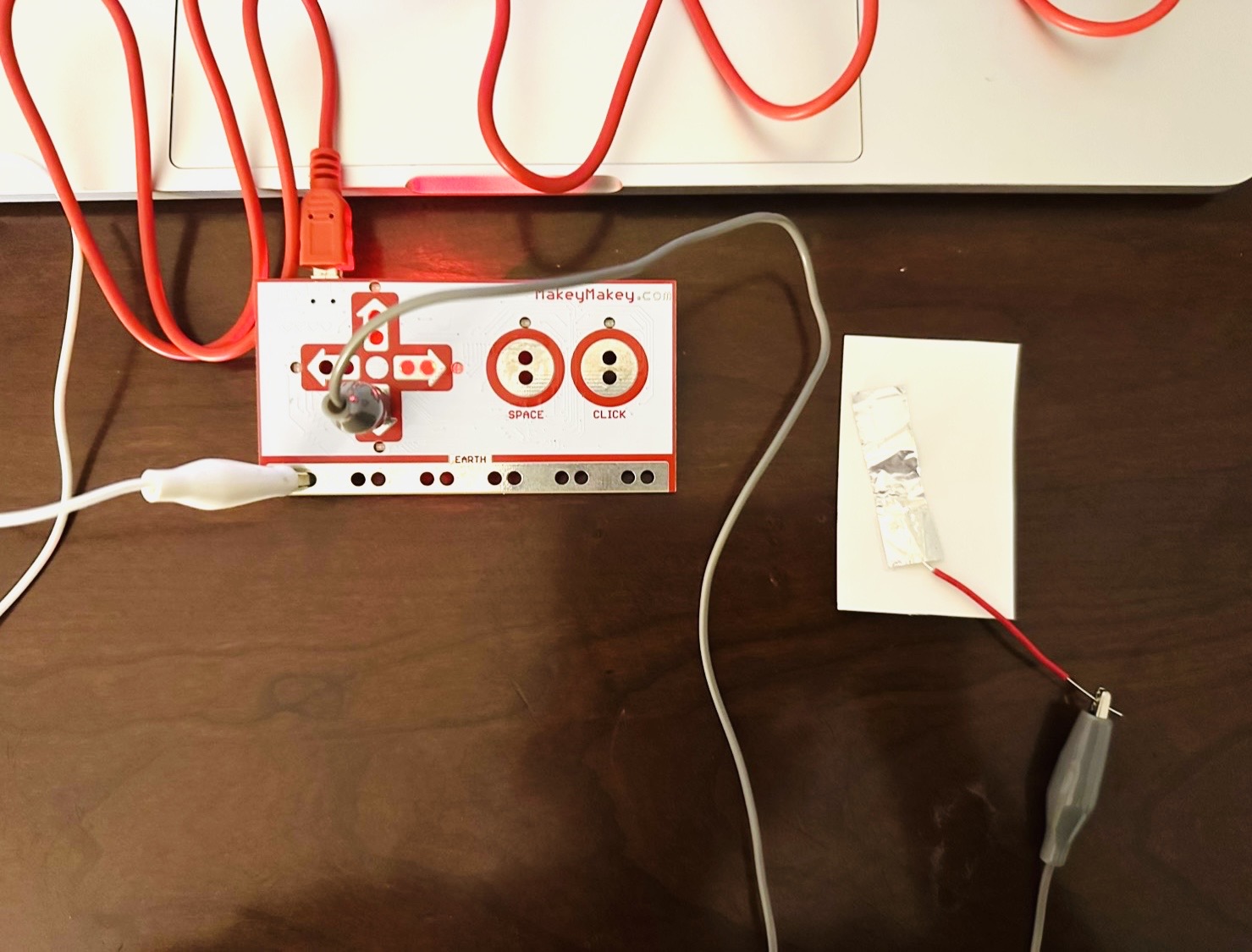
Aluminum foil cut into a long strip. Sliding interaction.
Sliding test with the aluminum foil strip.
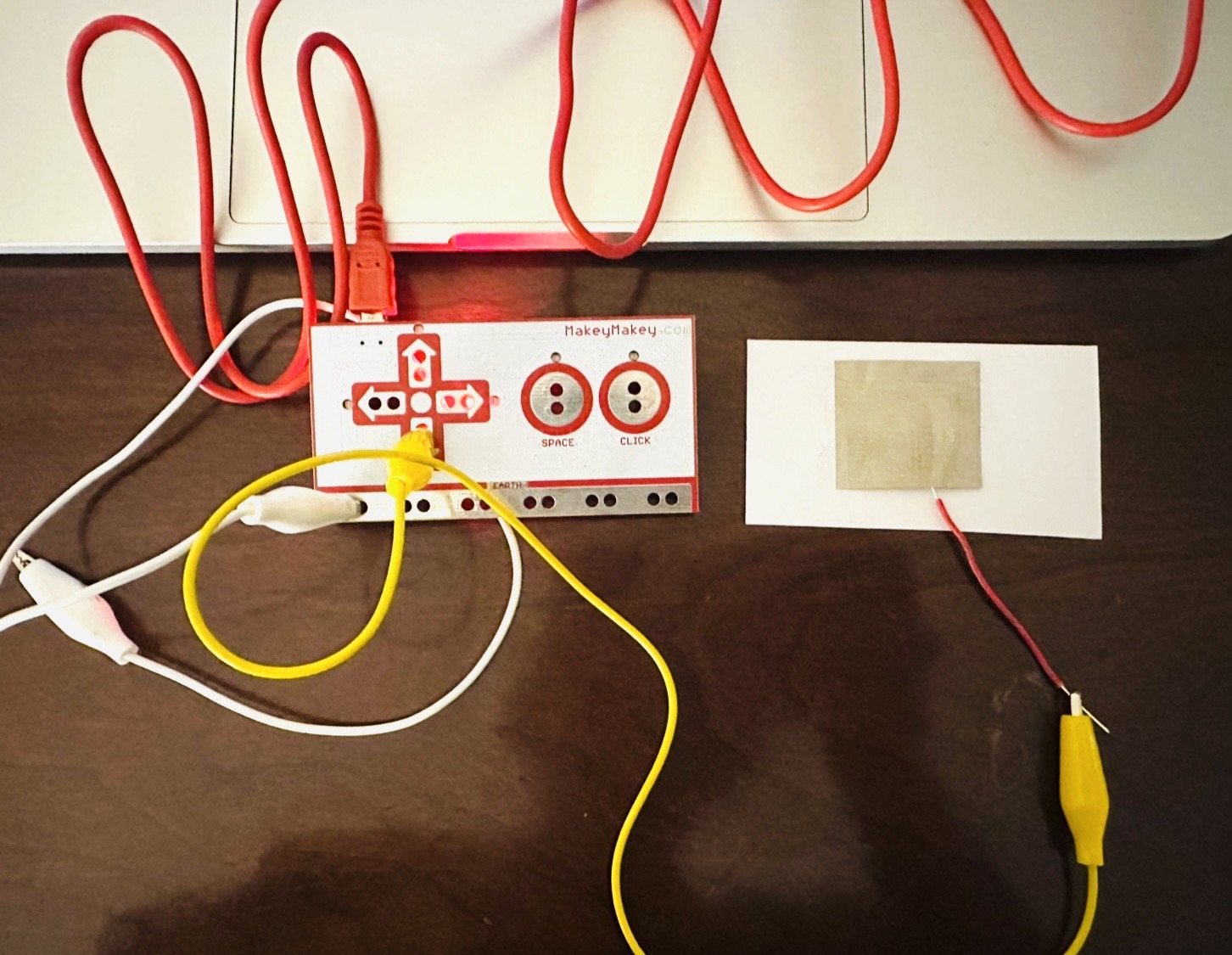
Conductive fabric cut into a square. Tap interaction.
Tap test with the conductive fabric square.
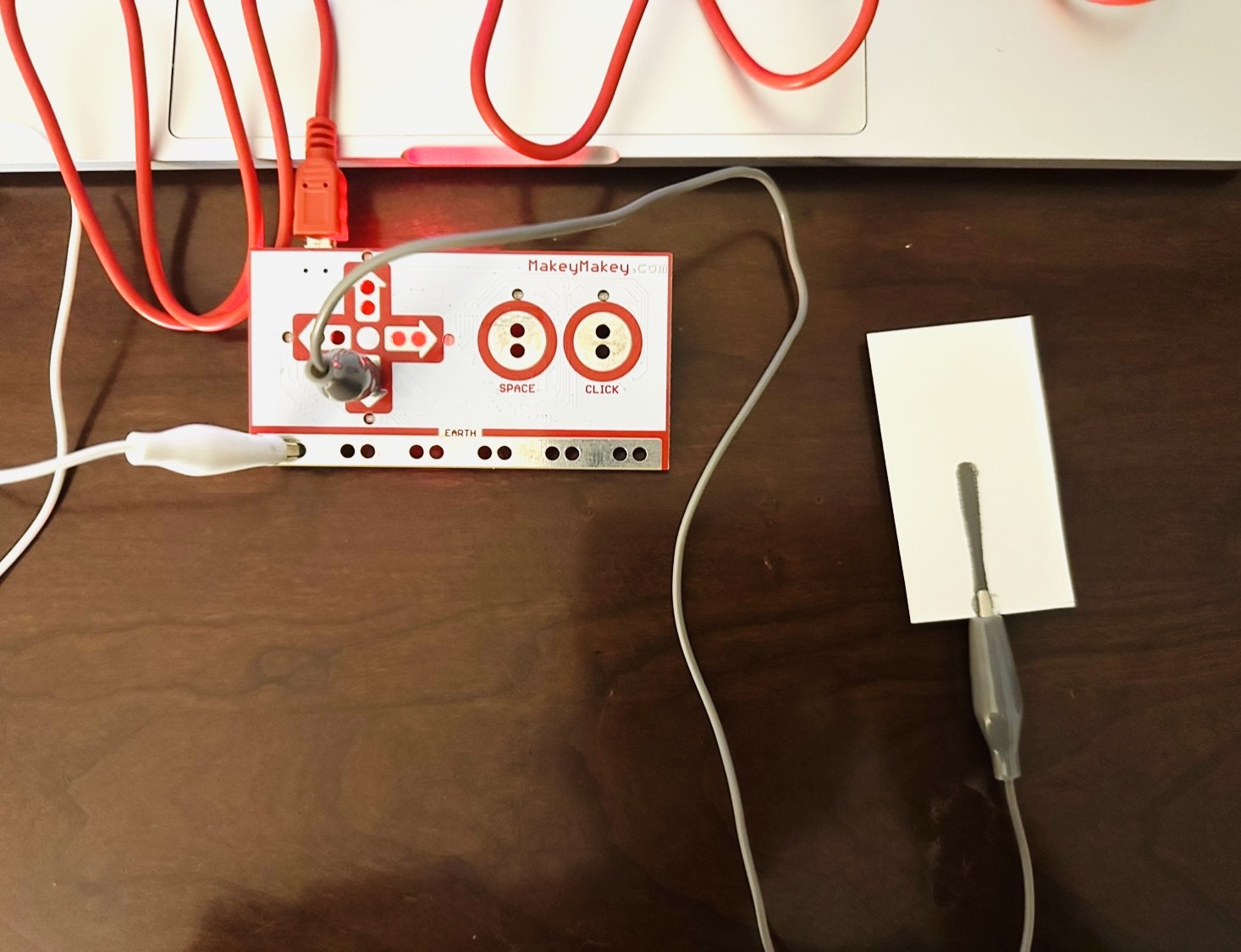
Graphite pencil drawn into a long strip. Sliding interaction.
Sliding test with the graphite pencil strip.
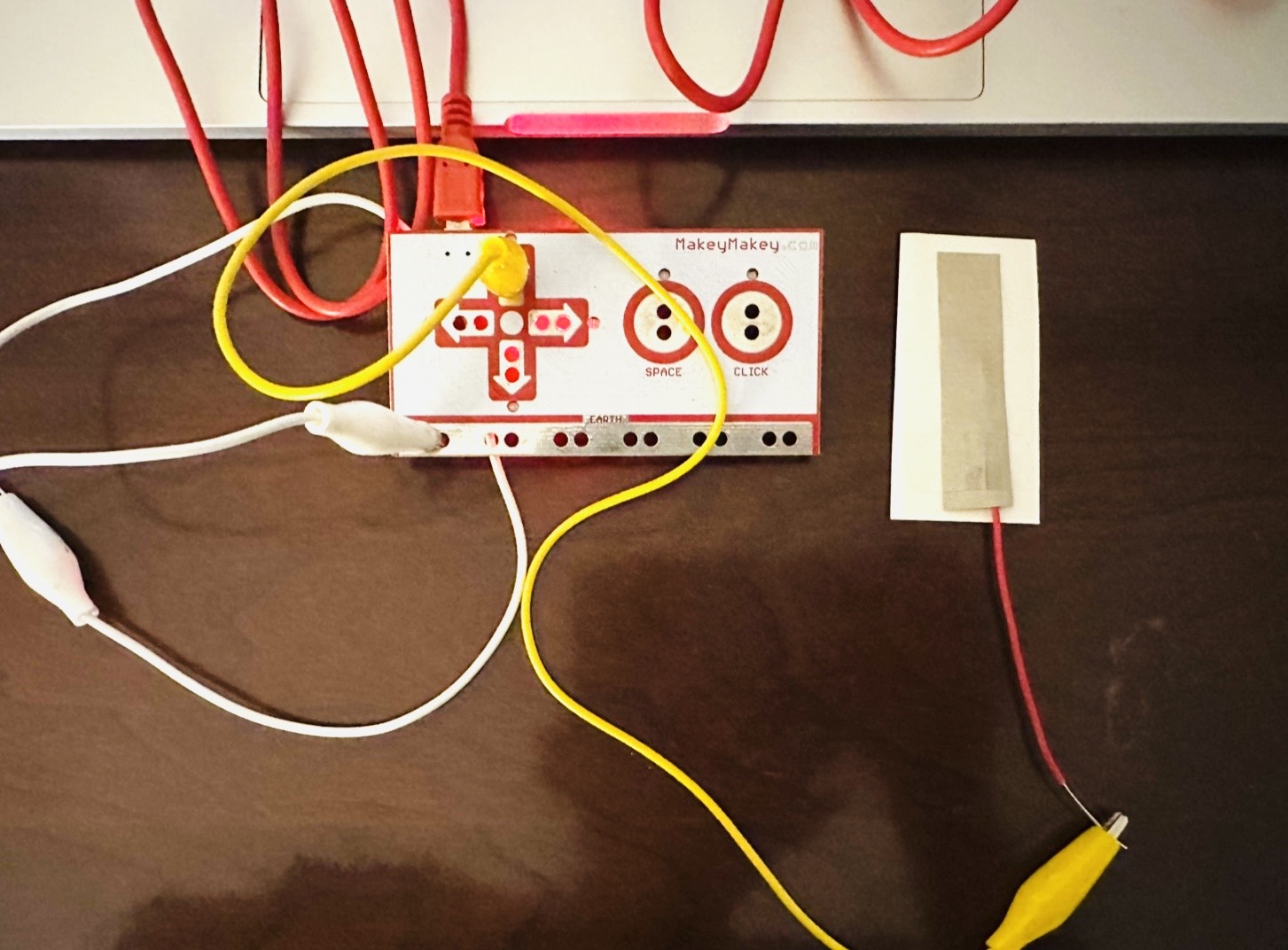
Conductive fabric cut into a long strip. Sliding interaction.
Sliding test with the conductive fabric strip.
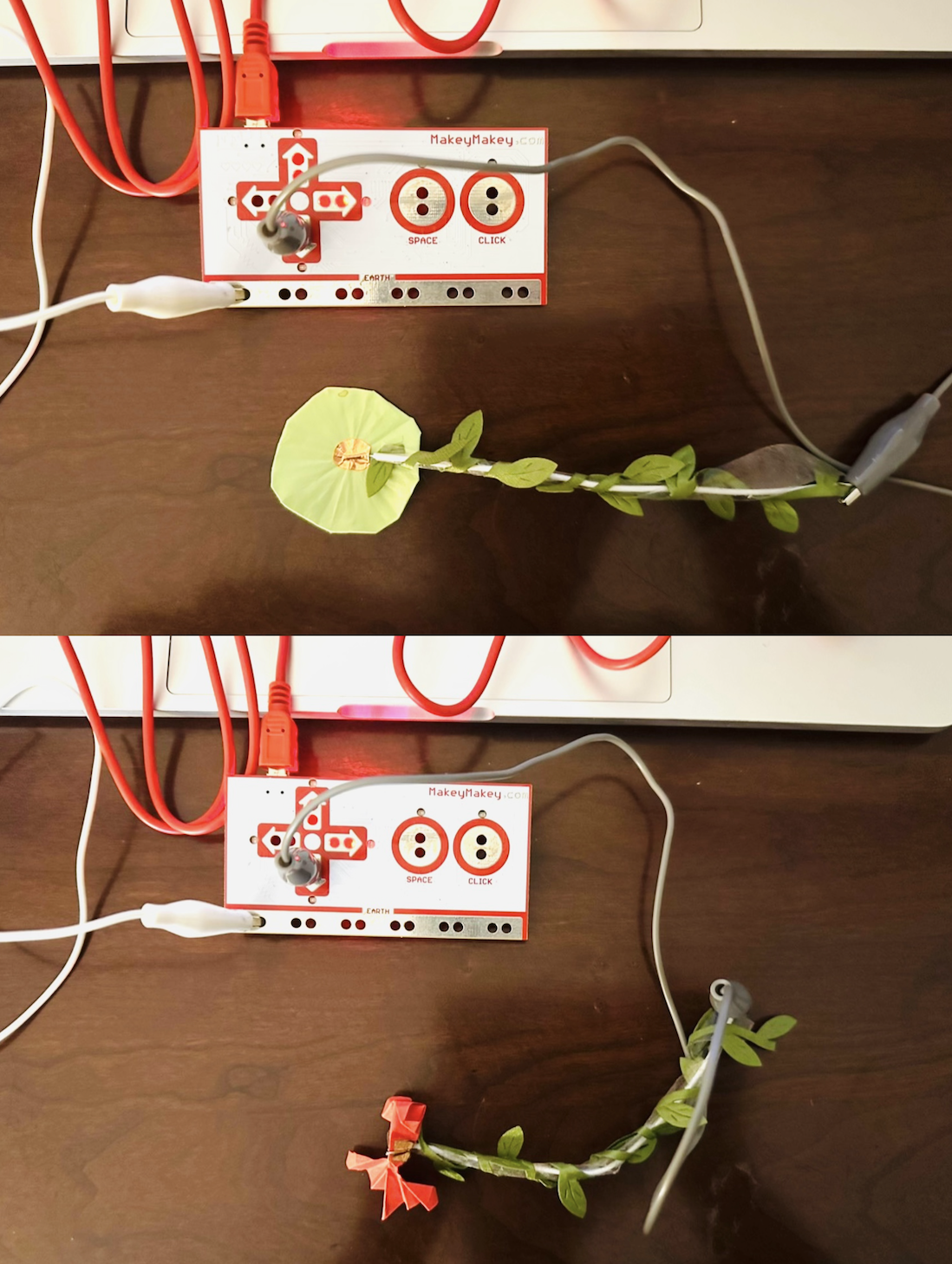
Final material choice. Copper tape gave the best result and was fast, easy, and conductive enough for the paper lotus leaf and fish.
Tap interaction on the paper lotus leaf.
Pick up and place down interaction with the paper fish.
Project 3
Final Project 3 Design
My final work is an interactive sound object inspired by a moonlit lotus pond. I built it as a layered three dimensional scene using folded paper, acrylic, wire, tape, and mixed materials so the whole piece could feel immersive, delicate, and alive. The lotus flowers, lotus leaves, moon, duck, and fish were all handmade to create a soft handcrafted atmosphere, while acrylic supports and two transparent circular bases helped me build depth and separate the scene into different visual layers. The work includes six touch based interactive elements, which are the lotus flower, a floating lotus leaf, an upright lotus leaf, the moon, a duck, and a red fish. Each interaction triggers a different sound that was chosen metaphorically based on the feeling, movement, and character of the object. I developed the piece around a short poetic story about sunset fading, animals playing in the pond, the moon rising, the lotus blooming, and a dewdrop falling at the start of a new day. By combining physical structure, sound design, and touch interaction, I wanted the audience to experience not only the visual beauty of the pond, but also its emotional atmosphere and quiet narrative through their own hands.
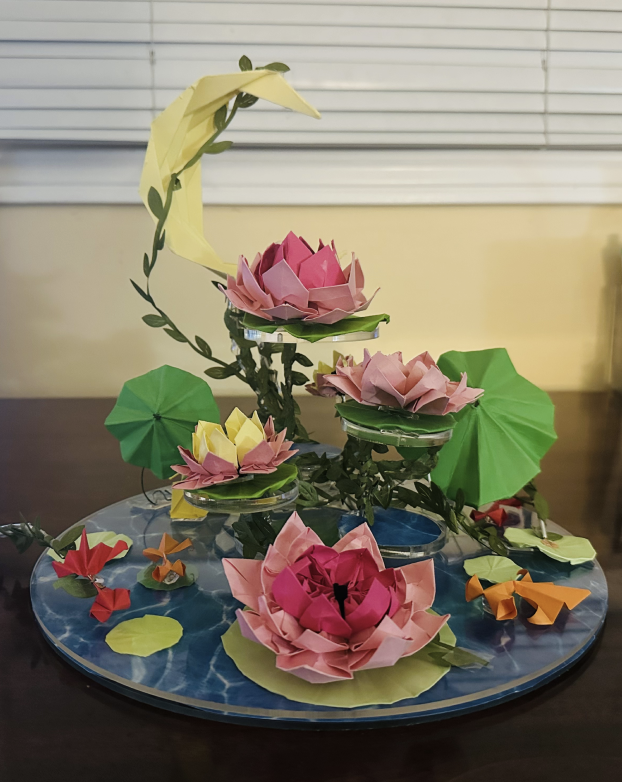
Forty five degree view of the final interactive lotus pond object.
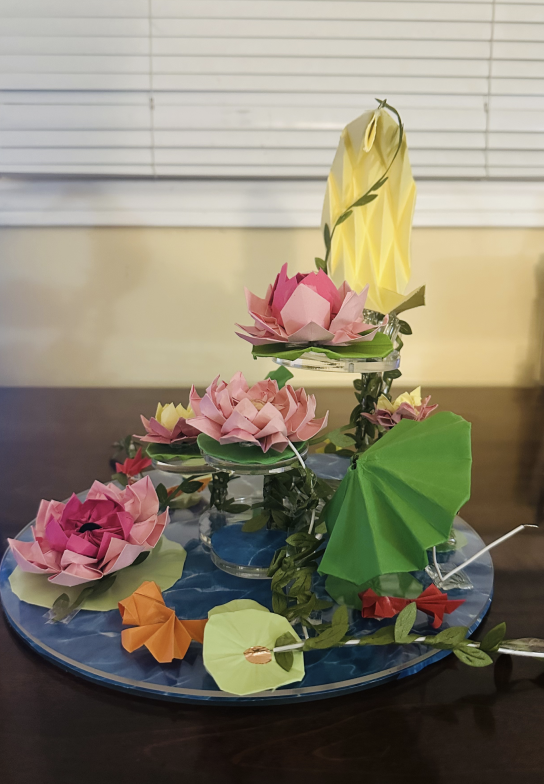
Right side view of the final interactive lotus pond object.
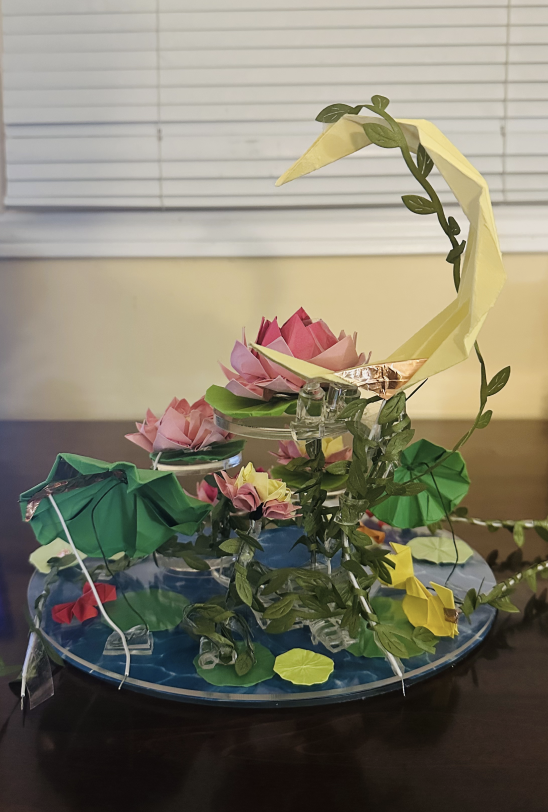
Back view of the final interactive lotus pond object.
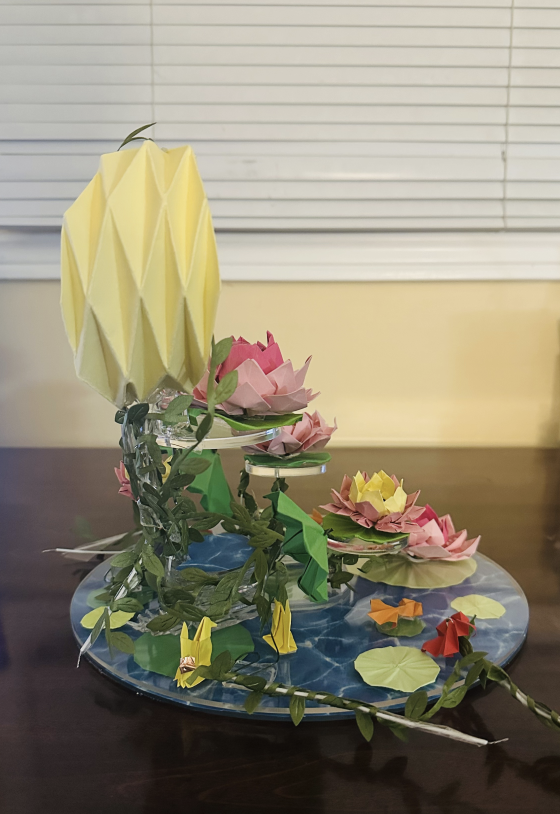
Left side view of the final interactive lotus pond object.
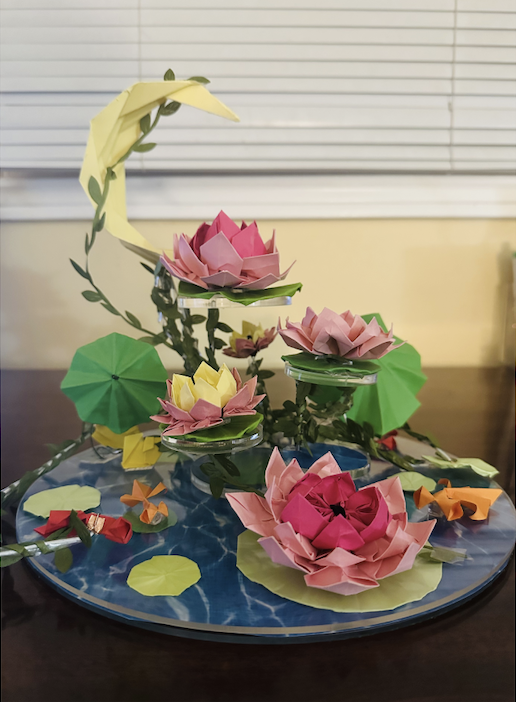
Front view of the final interactive lotus pond object.
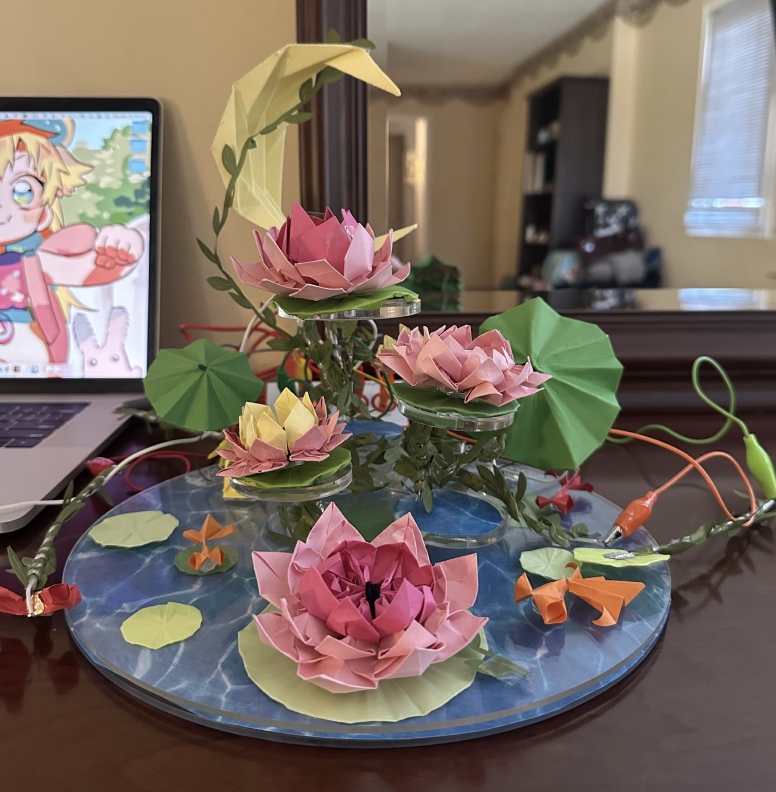
Makey Makey connection setup for the final interactive lotus pond object.
Physical sound interaction test without p5 code. The coded interaction was presented live on Monday during the presentation.